Purpose: Learn all about Kizen's Dashboards and Dashlets to visualize and gain detailed insight into your business's data, ultimately boosting efficiency and productivity.
TABLE OF CONTENTS
What are Dashboards?
Kizen's Dashboards are your central hub for viewing important stats at a glance, as well as managing crucial tasks for your business workflow. You can choose to create a single Dashboard that consolidates data from across your whole Kizen account into a single page, or you can choose to create multiple Dashboards for different business operations or even different team members in your account.
Each Dashboard is made up of Dashlets, which are customizable blocks that display key information — like team performance, activity, and email metrics — as charts, tables, and calendars.
Your Kizen account comes with a default Activity Dashboard and an Email Marketing Hub Dashboard. Read on to learn more about these Dashboards and how you can further customize Dashboards for your specific needs.
Dashboard Examples & Use Cases
Activity Dashboard
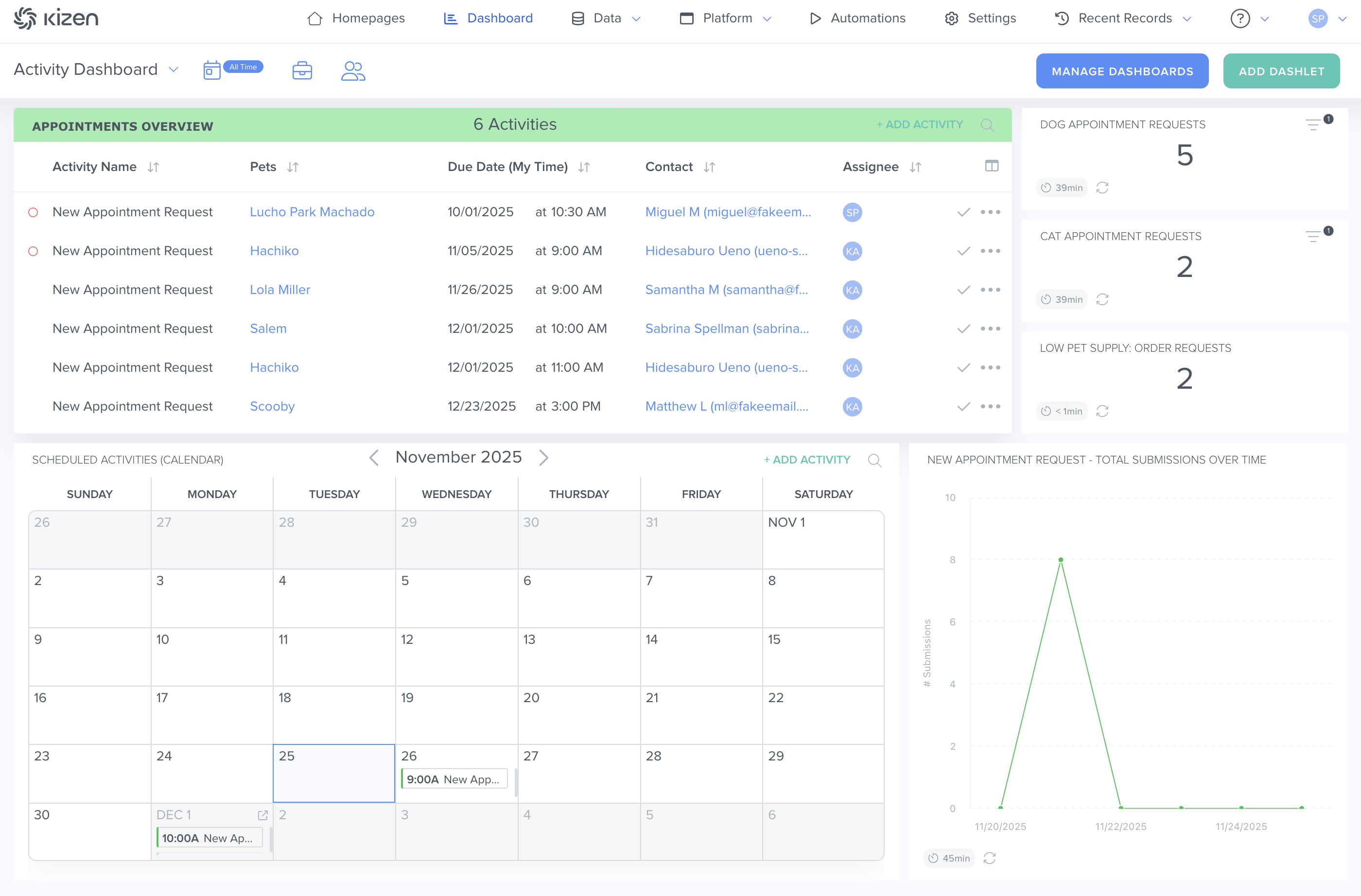
Your Activity Dashboard gives you a quick view of everything related to your scheduled and completed activities. You can see this information displayed as charts, graphs, or simple number summaries. The default Activity Dashboard displays a pre-built Scheduled Activities (Table) dashlet.
Read more about How to Manage Your Activity Dashboard.
Email Marketing Hub Dashboard
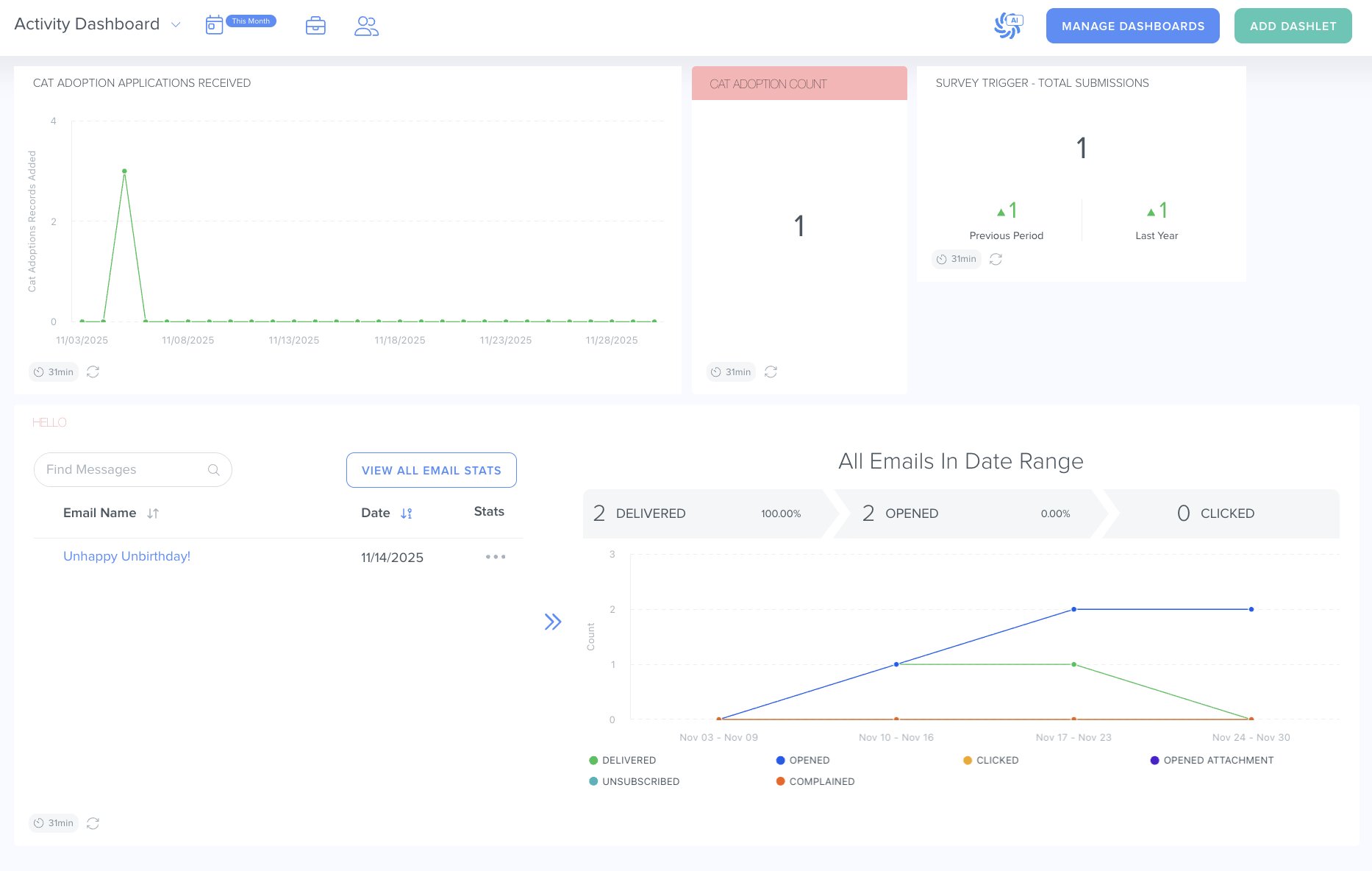
Another default Dashboard is the "Email Marketing Hub." It gives you a complete picture of how your email campaigns are performing. You'll see key email deliverability metrics like delivery success rates, how many clients have opted out, complaint numbers, and other important engagement data. This helps you quickly understand what's working and spot any issues that need attention.
Custom Dashboard
If the default dashboards don't quite match what you're looking for, you can easily create your own custom dashboard. Using dashlets, you can build a view that's perfectly tailored to your specific business needs.
For example, let's say you run a pet spa and boarding center. You could create a dashboard that tracks both your upcoming grooming appointments and new leads by source. This way, you can stay on top of your schedule while also seeing where your clients are coming from — all in one convenient place.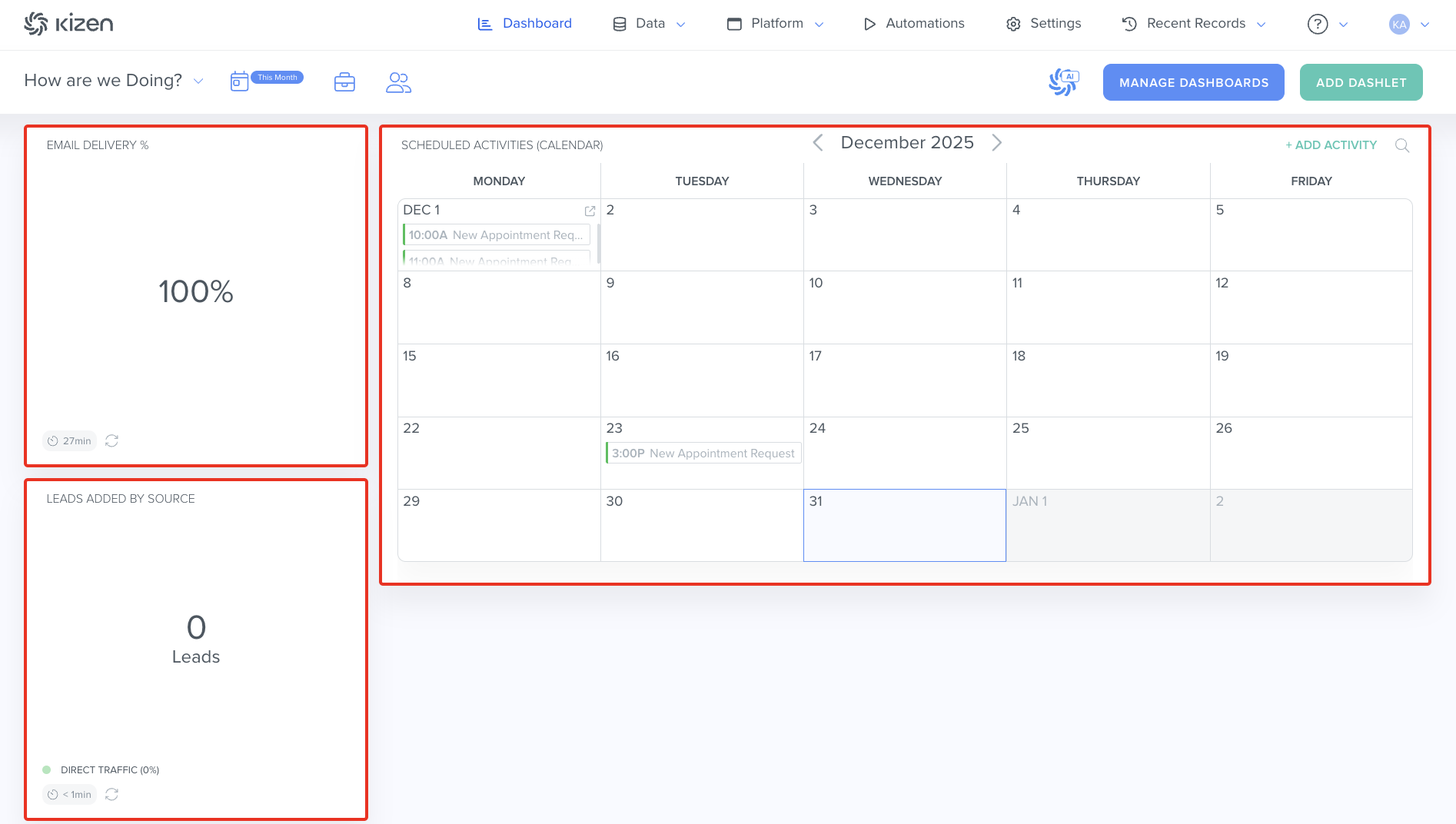
What's Next?
Now that you understand what Dashboards can do for you, you can learn:
Was this article helpful?
That’s Great!
Thank you for your feedback
Sorry! We couldn't be helpful
Thank you for your feedback
Feedback sent
We appreciate your effort and will try to fix the article