Purpose: Kizen's Email Builder allows you to customize your email with Columns, which nest in Rows. Multiple Columns can live in a single Row, and Columns can be easily resized within that Row
To re-size columns in email builder, you need:
1. Grab the bar located in between two columns
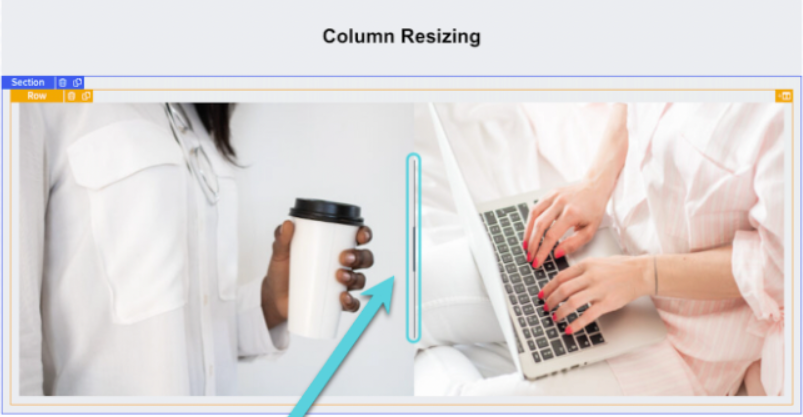
2. Click and drag in one direction (left or right)
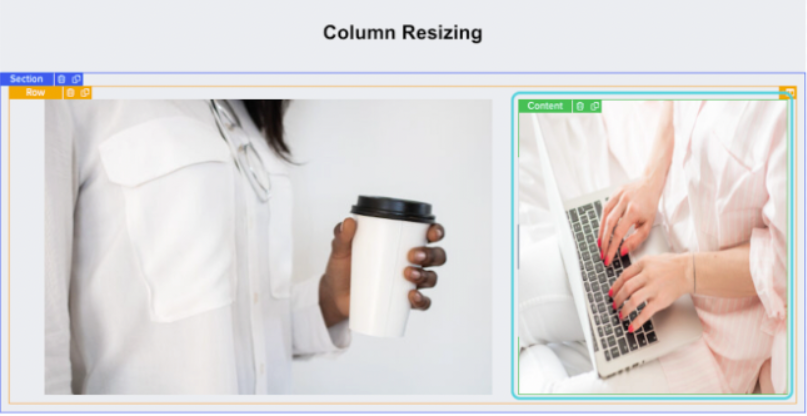
3. You may do this in either direction
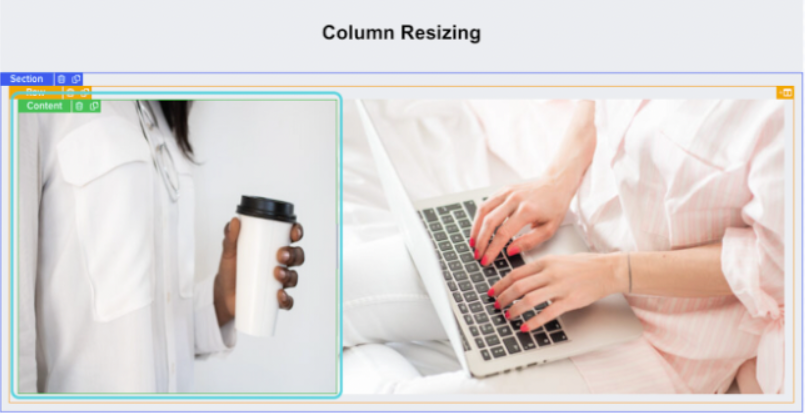
Hint: Repeat Step 2 in the same direction to further reduce the size of a Column
Was this article helpful?
That’s Great!
Thank you for your feedback
Sorry! We couldn't be helpful
Thank you for your feedback
Feedback sent
We appreciate your effort and will try to fix the article