Purpose: Customize & design your emails with Section, Row, & Content background colors
Background colors for Sections, Rows, & Content live in Page Settings in the righthand bar:
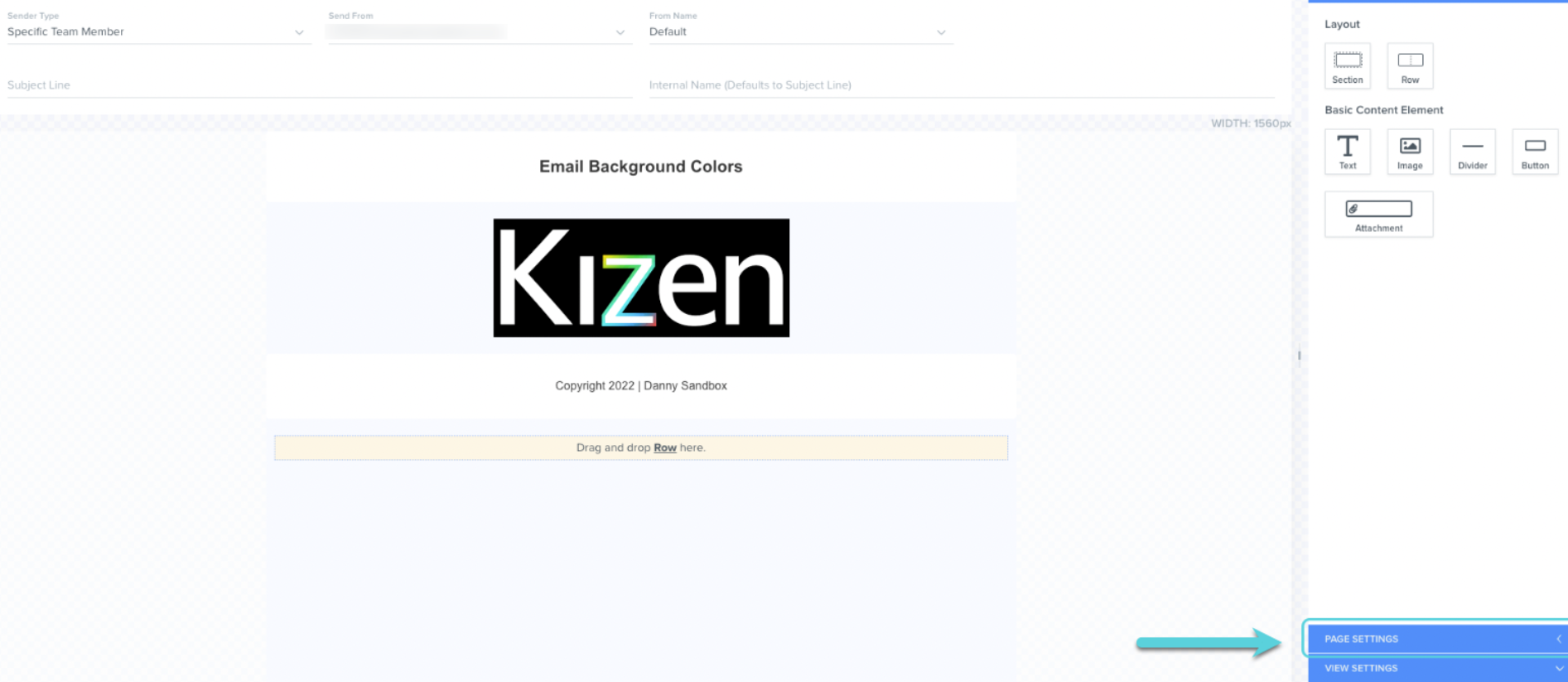
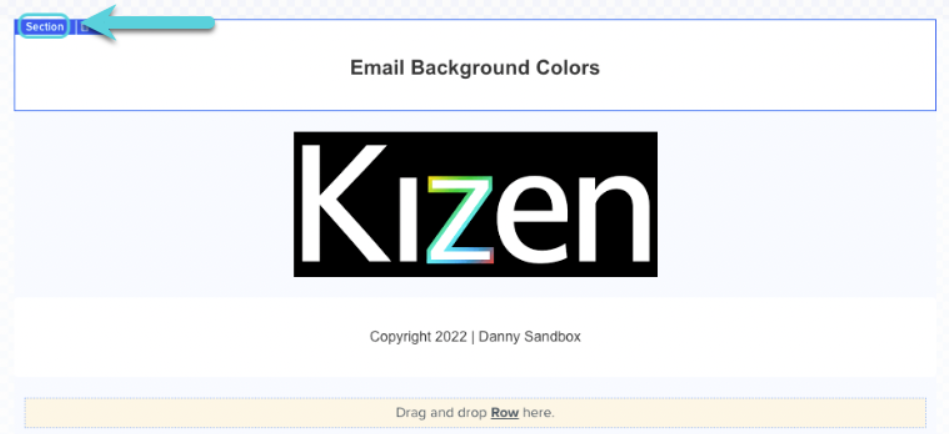
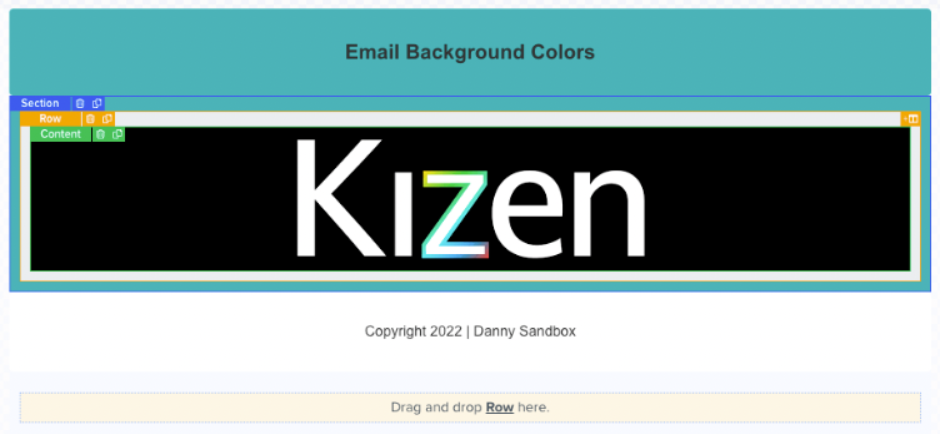
Clicking directly into Section, Row, or Content will automatically direct to you to edit the Page Settings in the righthand bar:
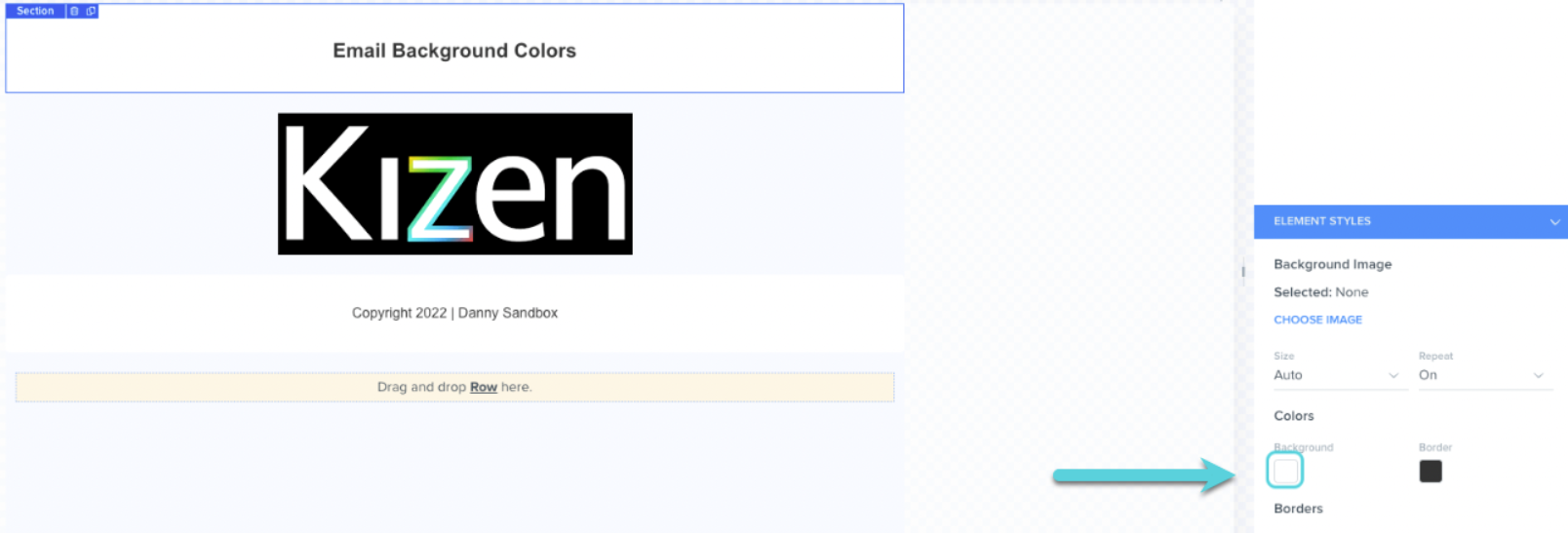
Click directly into Background to begin your color customization:
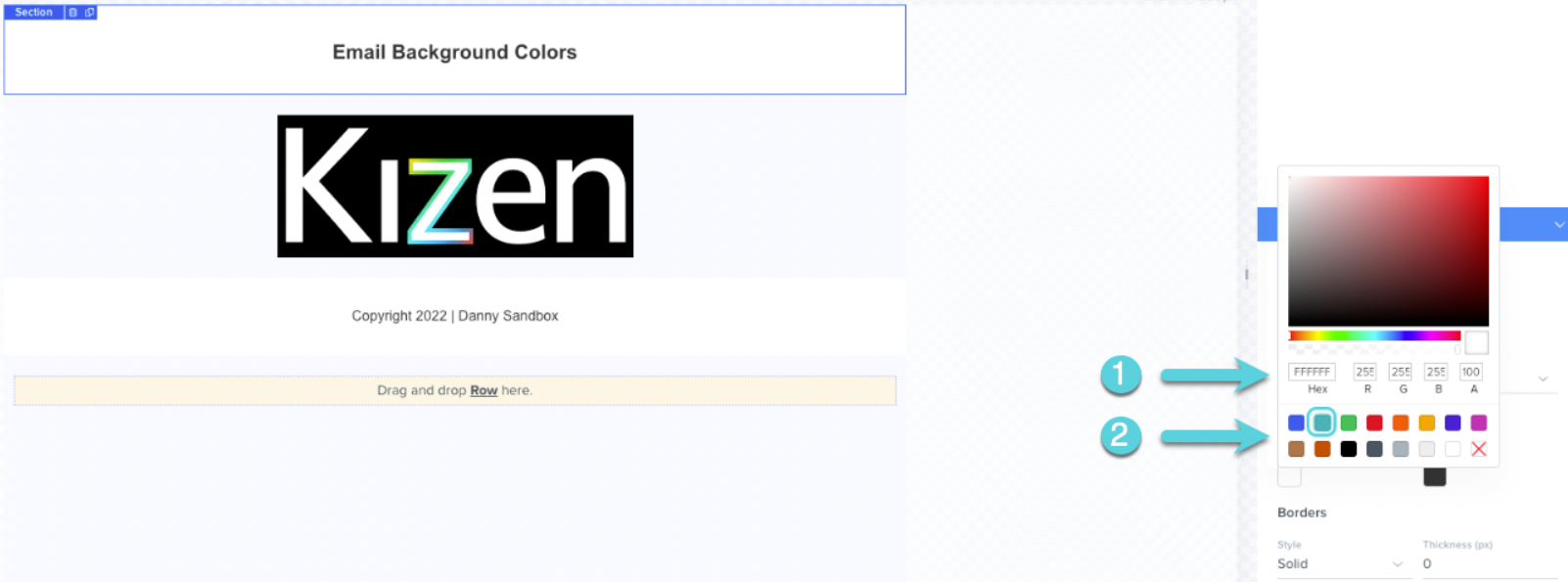
Select a color by:
1. Pasting or typing in a hex code
2. Selecting from the existing selection of colors
Repeat this step by selecting the background you would like to customize (Section, Row, or Content).
Example below:
Was this article helpful?
That’s Great!
Thank you for your feedback
Sorry! We couldn't be helpful
Thank you for your feedback
Feedback sent
We appreciate your effort and will try to fix the article