Purpose: Learn how to install, set up, and use the Kizen Voice Assistant mobile app on iPhone or Android to record client interactions and upload them to Kizen’s Meeting Assistant.
Overview
Kizen Voice Assistant is a mobile app that turns your client interactions into ready-to-review contact updates in your Kizen AgentCRM, without any manual data entry on your part.
Record a meeting right from your phone, upload it, and Kizen Meeting Assistant uses HIPAA-compliant AI to take care of the rest: transcribing the conversation, identifying any medications, providers, and pharmacies mentioned during the meeting, and preparing everything for your review.
For guidance on how to format a client interaction so that you can extract accurate information, such as medication names, dosages, providers, and pharmacies, check out our best practices guide.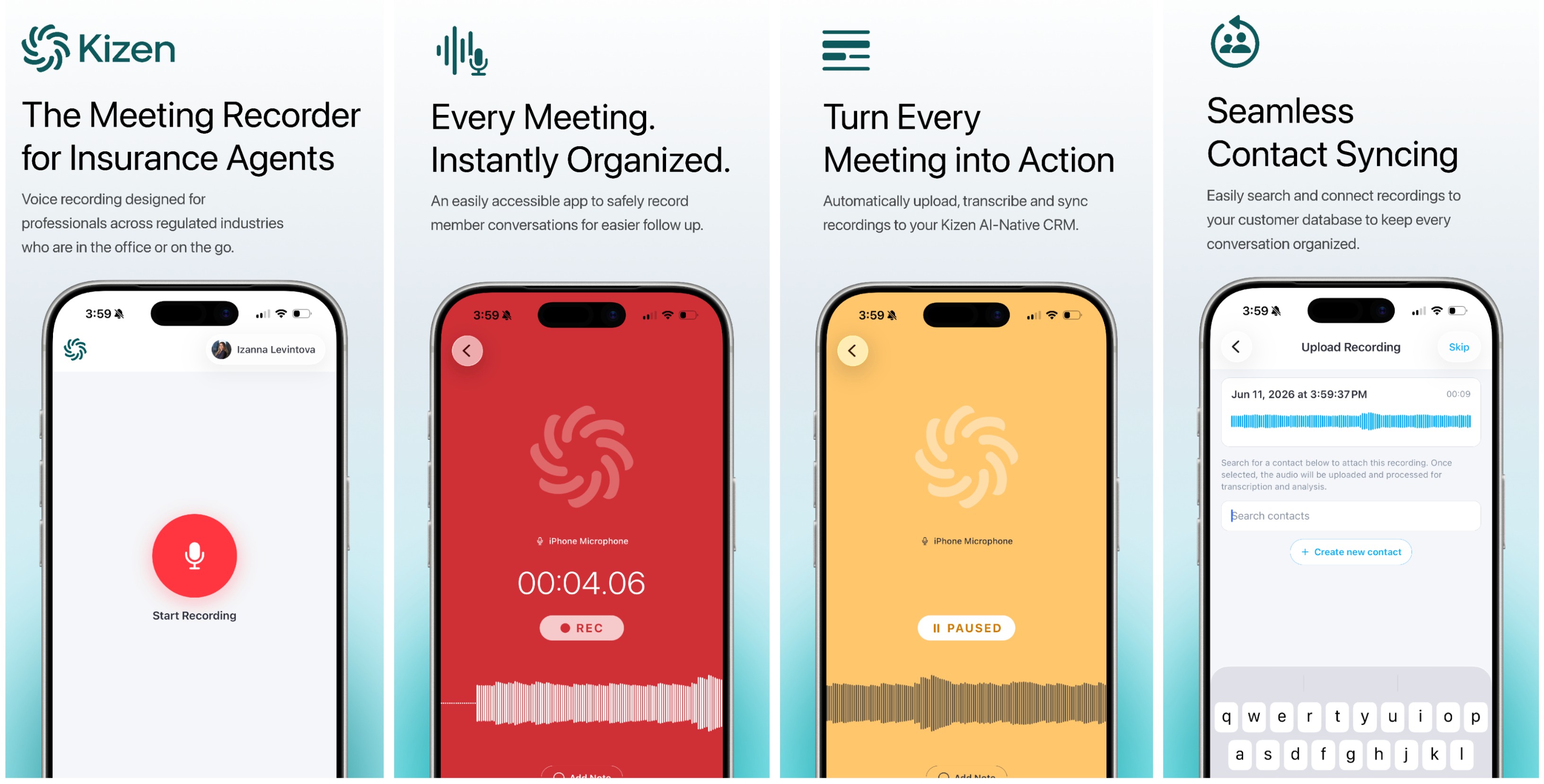
What’s in this Guide
- How to Download the Kizen Voice App
- How to Log into the Kizen Voice App
- How to Record a Meeting in the Kizen Voice App
- How to Upload a Recording from Kizen Voice App
- How to Manage Recordings in the Kizen Voice App
- How to Use the Kizen Voice Assistant without Logging In
- How to Review Meeting Assistant Activities
- Kizen Voice App Best Practices for Accurate Data Extraction
- Frequently Asked Questions
How it Works
At a basic level, this is how the Kizen Voice app and Meeting Assistant works:
- Record: Start a client interaction recording in the Kizen Voice app. Add timestamped notes as you go, or pause and resume as needed.
- Upload: When you're done, attach the recording to a contact and upload it to Kizen.
- Review: Kizen Meeting Assistant transcribes the recording audio and identifies medications, providers, and pharmacies for you.
What You Can Do with the Kizen Voice app & Meeting Assistant
- Record client interactions in a mobile Voice app
- Add timestamped notes during a meeting without interrupting the recording
- Upload recordings and attach them to new or existing Contacts
- Track a recording's status from upload through processing
- Review AI-identified medications, providers, and pharmacies that were added by the Meeting Assistant
- Import recordings from other apps, such as your phone's built-in recorder
What Happens in Kizen After Upload
Once a recording is uploaded and processing completes, the Meeting Assistant takes over in the web version of your Kizen AgentCRM. You do not need to do anything further in the mobile app.
How Kizen Meeting Assistant Processes the Recording
- Kizen Meeting Assistant generates a transcript and recording summary.
- The assistant then scans the transcript for any medications, providers, and pharmacies mentioned in the conversation.
- Each item is checked against verified registries to find a match. Because this depends on what was actually stated in the recording, not every item will match automatically. For example, a medication name may have been unclear, a dosage may have been missing, or multiple candidates may have been found.
- Any item that could not be matched is flagged for your review. You'll see a plain-language explanation of what went wrong, along with any candidates the system found, so you can identify the correct record manually.
Was this article helpful?
That’s Great!
Thank you for your feedback
Sorry! We couldn't be helpful
Thank you for your feedback
Feedback sent
We appreciate your effort and will try to fix the article